Starting and Growing a Career in Web Design Copy
How to Track Event Performance: Metrics That Matter
Feb 10, 2026
6 min read
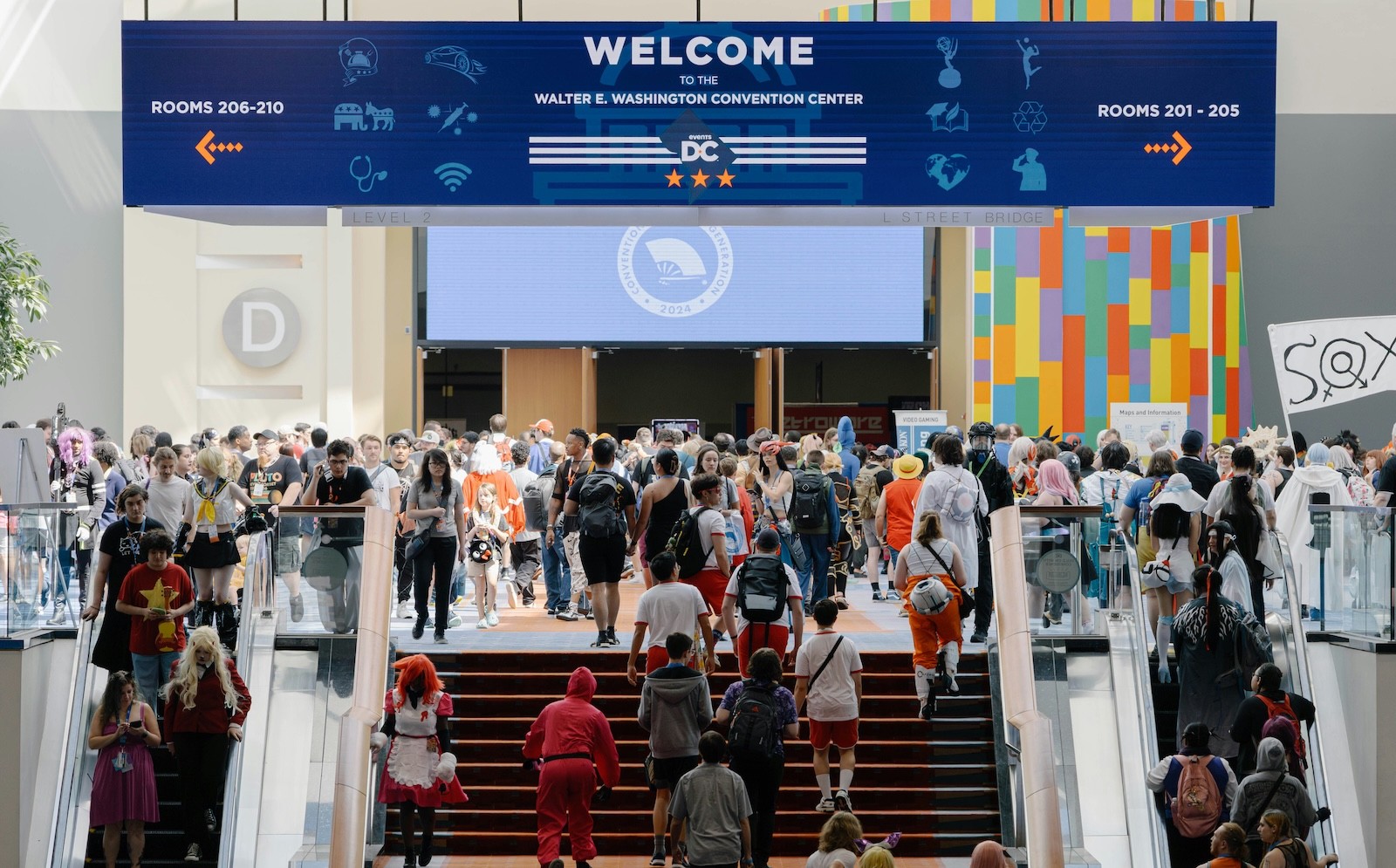
Your team worked the booth for three days, scanned hundreds of badges, and came home exhausted. But when leadership asks what the event actually produced, you're stuck digging through spreadsheets trying to piece together an answer.
Event performance tracking closes that gap—giving you the data to connect every badge scan to pipeline impact. This guide covers the metrics that matter, how to set up tracking workflows, and how to turn event data into results you can actually prove.
What is event performance tracking
Event performance tracking is the process of monitoring and analyzing key performance indicators before, during, and after an event to measure success and calculate ROI. You're collecting data on registrations, attendance, leads captured, and conversions—then using that data to understand what actually worked.
This article focuses on live events like trade shows, conferences, and field marketing activations. Digital product analytics (tracking clicks and page views on a website) also uses the term "event tracking," but that's a different discipline entirely. Here, you're measuring how well a physical or hybrid event drives business outcomes.
The tracking process breaks into three phases. Pre-event, you're watching registration trends and which marketing channels drive sign-ups. During the event, you're capturing leads, monitoring session attendance, and gathering real-time feedback. Post-event, you're analyzing conversions, calculating ROI, and documenting lessons for next time.
Why measuring event success matters for your pipeline
Events are expensive. Booth fees, travel, staffing, and swag can easily run into tens of thousands of dollars for a single trade show. Without tracking, you're left guessing whether that investment moved the needle.
The real value here is connecting event activity to your sales pipeline. When you can show leadership exactly how many qualified leads came from a conference—and how many converted to opportunities—you're presenting data, not anecdotes.
Budget justification: Clear metrics make it easier to secure funding for future events and demonstrate marketing's contribution to revenue.
Pipeline visibility: Tracking reveals which events generate the highest-quality leads, so you can prioritize the right ones next quarter.
Continuous improvement: Data from one event informs your strategy for the next, helping you refine booth placement, session topics, and follow-up timing.
One common problem: the gap between event activity and CRM data. If badge scans sit in a spreadsheet for a week before someone manually enters them, you've already lost momentum. Leads go cold fast.
Key metrics for measuring event success
Not all metrics carry equal weight. Some are leading indicators—signals that predict future outcomes, like registration numbers or booth traffic. Others are lagging indicators—results that confirm what happened, like closed deals or revenue attributed to the event.
A strong tracking approach includes both types. Leading indicators help you adjust tactics in real time. If registrations are low a week before the event, you can ramp up promotion. Lagging indicators tell you whether the event actually delivered business value after the fact.
The specific KPIs you prioritize depend on your goals. A brand awareness event might emphasize social mentions and session attendance. A demand generation event focuses on leads captured and conversion rates. Start with your objective, then work backward to identify the metrics that measure progress toward it.
Essential KPIs for event management
Registration and attendance rate
Registration rate measures how many people sign up for your event relative to how many you invited or reached. Attendance rate measures how many registrants actually show up.
The gap between registration and attendance matters. If 500 people register but only 200 attend, you've got a 40% attendance rate—and a signal that something in your pre-event communication or event timing isn't working. Tracking your own rate over time reveals trends you can act on, even without industry benchmarks.
Leads captured and lead quality
Lead volume is straightforward: how many contacts did your team collect? Lead quality is trickier but more important.
A qualified event lead typically matches your ideal customer profile—right job title, right company size, expressed interest in your solution. Capturing 200 leads means little if only 10 fit your target. When evaluating lead capture, track both the total count and the percentage that meet your qualification criteria.
Cost per lead and customer acquisition cost
Cost per lead (CPL) divides your total event spend by the number of leads captured. If you spent $20,000 and captured 100 leads, your CPL is $200.
Customer acquisition cost (CAC) goes further, measuring how much you spent to acquire each customer who originated from the event. Calculating CAC requires tracking leads through the full sales cycle, which is why CRM integration matters so much. Without it, you can't connect the dots between event spend and closed revenue.
Engagement and session participation
Engagement metrics reveal intent. Did attendees visit your booth? Attend your session? Download your content? Respond to live polls?
Booth visits and dwell time
Session attendance and Q&A participation
Content downloads or demo requests
Live polling responses
Someone who attended your breakout session and stopped by your booth twice is warmer than someone who just walked past and grabbed a pen. Engagement signals help you prioritize follow-up.
Conversion rate and post-event conversions
Event conversion rate measures the percentage of leads who become opportunities or customers. This is where tracking gets interesting—and where many teams fall short.
Conversions often happen weeks or months after the event. If you only measure results in the first week, you'll undercount your impact. Set a tracking window (30, 60, or 90 days) and monitor how event leads progress through your pipeline over that period.
Event ROI
ROI is the ultimate measure: did the event generate more value than it cost? The basic formula is (revenue attributed – total cost) ÷ total cost.
Attribution is the hard part. If a lead attended your event, received three emails, and then booked a demo after a LinkedIn ad, which touchpoint gets credit? Most teams use either first-touch attribution (the event gets full credit) or multi-touch attribution (credit is distributed across touchpoints). Pick a model and apply it consistently across all your events.
KPI | What it measures | Why it matters |
|---|---|---|
Registration rate | Sign-ups relative to reach | Gauges initial interest |
Attendance rate | Actual attendees vs. registrants | Reveals drop-off patterns |
Leads captured | Total contacts collected | Measures top-of-funnel output |
Cost per lead | Event spend ÷ leads | Benchmarks efficiency |
Conversion rate | Leads who become opportunities | Connects activity to pipeline |
Event ROI | Revenue attributed ÷ cost | Proves business value |
How to set up event performance tracking
1. Define your event goals and success criteria
Start with what you're trying to achieve. Are you generating leads? Building brand awareness? Accelerating existing opportunities?
Be specific. "Generate leads" is vague. "Capture 150 qualified leads from director-level or above at companies with 500+ employees" gives you something measurable. Your goals determine which metrics matter.
2. Identify the metrics you will track
Select metrics that tie directly to your goals. If your objective is pipeline generation, focus on leads captured, lead quality, and conversion rate. If it's brand awareness, track session attendance, social mentions, and survey responses.
Resist the urge to track everything. Too many metrics dilute focus. Choose five to seven KPIs that actually inform decisions.
3. Choose your event performance tracking tools
Event tracker software captures, stores, and analyzes your event data. Categories include badge scanners, lead capture apps, survey tools, and event management platforms.
Look for tools that reduce manual work. AI-powered badge scanning, for example, can extract contact data from any badge format in seconds—far faster than typing names into a spreadsheet. The less manual entry required, the fewer errors you'll introduce.
4. Integrate with your CRM
CRM integration is where tracking becomes actionable. When leads sync automatically from your event tool to HubSpot, Salesforce, or Marketo, your sales team can follow up immediately.
Without integration, leads sit in limbo. Manual entry takes time, introduces errors, and delays outreach. By the time someone imports that spreadsheet, the lead has forgotten your conversation.
5. Establish data collection workflows
Decide who captures data, when, and how. Will every booth staffer scan badges? Will you collect notes on each conversation? Who's responsible for reviewing data at the end of each day?
Train your team before the event. A workflow that exists only in your head won't survive first contact with a busy trade show floor.
Event tracker software and analytics platforms
Features to look for in event tracker software
When evaluating tools, focus on capabilities that directly reduce manual work and improve data quality.
Badge scanning and OCR: The ability to scan printed, handwritten, or digital badges and extract structured contact data automatically.
Real-time data sync: Leads appear in your system immediately, not hours later.
CRM integrations: Native connections to HubSpot, Salesforce, Marketo, and other platforms you already use.
Data enrichment: Automatic addition of company info, job titles, and social profiles to captured contacts.
Batch processing: The ability to upload and process multiple badge photos at once, saving time at high-volume events.
How to evaluate an event analytics platform
Test tools against your actual workflow. How accurate is the badge scanning? How quickly do leads sync? Does the pricing scale with your team size?
Ease of use matters more than feature count. A tool your team won't use is worthless, no matter how many capabilities it advertises. Look for transparent pricing and a free trial so you can test before committing.
How to analyze and act on event data
Data without action is just noise. The real work begins after the event ends.
Start by reviewing engagement signals—session attendance, booth visits, demo requests—and route the warmest leads to sales first. Speed matters here. Reaching out within 24 hours while the event is fresh dramatically increases response rates.
Next, identify where you lost people. Low attendance rate? Few conversions? Pinpoint the weak link so you can address it next time.
Prioritize hot leads: Sort by engagement level and route high-intent contacts to sales immediately.
Identify drop-off points: Compare registration to attendance to conversion—where's the biggest gap?
Compare event-over-event performance: Track the same metrics across multiple events to spot trends.
Over time, comparing performance across events reveals which ones deliver the best ROI and which aren't worth repeating.
Common event tracking challenges and how to solve them
Slow or inaccurate lead capture
Manual data entry is slow and error-prone. Handwritten notes get lost. Badge info gets mistyped. By the time leads are in your system, details are missing or wrong.
Automated badge scanning solves this problem. Tools that use AI-powered OCR can read any badge format and extract structured data in seconds, not hours. Eventified, for example, processes badge scans with over 95% accuracy and can handle up to 50 photos at once through batch processing.
Disconnected CRM and event data
Event leads often live in spreadsheets, disconnected from your CRM. Sales doesn't see them. Marketing can't track them. The lead goes cold before anyone follows up.
One-click CRM sync eliminates this gap. When your event tool connects directly to your CRM, every scanned contact flows into the right place with fields mapped correctly—no copy-pasting required.
Scattered data across systems
When data lives in five different tools—your badge scanner, your survey app, your spreadsheet, your CRM—getting a complete picture is painful.
Consolidate into a single event analytics platform that centralizes capture, enrichment, and reporting. Fewer tools means fewer gaps and less time spent reconciling data.
Proving ROI to leadership
Attribution is hard. Events influence deals, but so do emails, ads, and sales calls. How do you prove the event mattered?
Track the full lead journey from badge scan to closed deal. Tag leads with their event source in your CRM and monitor their progression through the pipeline. Even with multi-touch attribution, you'll have data showing the event's contribution to revenue.
Turn event metrics into pipeline growth
Event performance tracking isn't about collecting data for its own sake. It's about turning that data into action—faster follow-up, smarter event selection, and clearer ROI.
Start with clear goals. Choose metrics that tie directly to those goals. Pick tools that reduce manual work and connect your event data to your CRM automatically. The faster leads move from badge scan to pipeline, the more likely they are to convert.
Eventified helps teams go from badge scan to booked meeting with AI-powered capture and automatic CRM sync—so every lead makes it into your pipeline without the busywork.
FAQs about event performance tracking
What are the 5 C's of event planning and how do they relate to tracking?
The 5 C's—Concept, Coordination, Control, Culmination, and Closeout—are a framework for event planning. Tracking supports the Control and Closeout phases by providing data to monitor progress and evaluate outcomes.
How do you track ROI for virtual events compared to in-person events?
Virtual events often have built-in tracking through platform analytics, while in-person events require tools like badge scanners and lead capture apps. The core metrics—leads, conversions, and revenue attributed—remain the same for both formats.
How soon after an event should you start measuring performance?
Begin reviewing lead data and engagement metrics immediately after the event while details are fresh. Track conversion and revenue metrics over the following weeks or months as leads move through your pipeline.
What is considered a strong conversion rate for event leads?
Conversion rates vary by industry and event type, so it's best to benchmark against your own historical data. Focus on improving your rate over time rather than comparing to external averages.
How do you attribute closed revenue back to a specific event?
Use your CRM to tag leads with the event source and track their journey through the pipeline. Multi-touch attribution models can help when leads interact with multiple channels before closing.